Design process
Inside the design files.
Open a working file, follow a revision and see where the design ended up.
Featured study
Swayy
I started with a beauty still life and an invitation to collaborate. The September identity boards show how I built the visual system. The responsive campaign and the 19-screen prototype carry it from the first invitation to creator submission and brand approval.
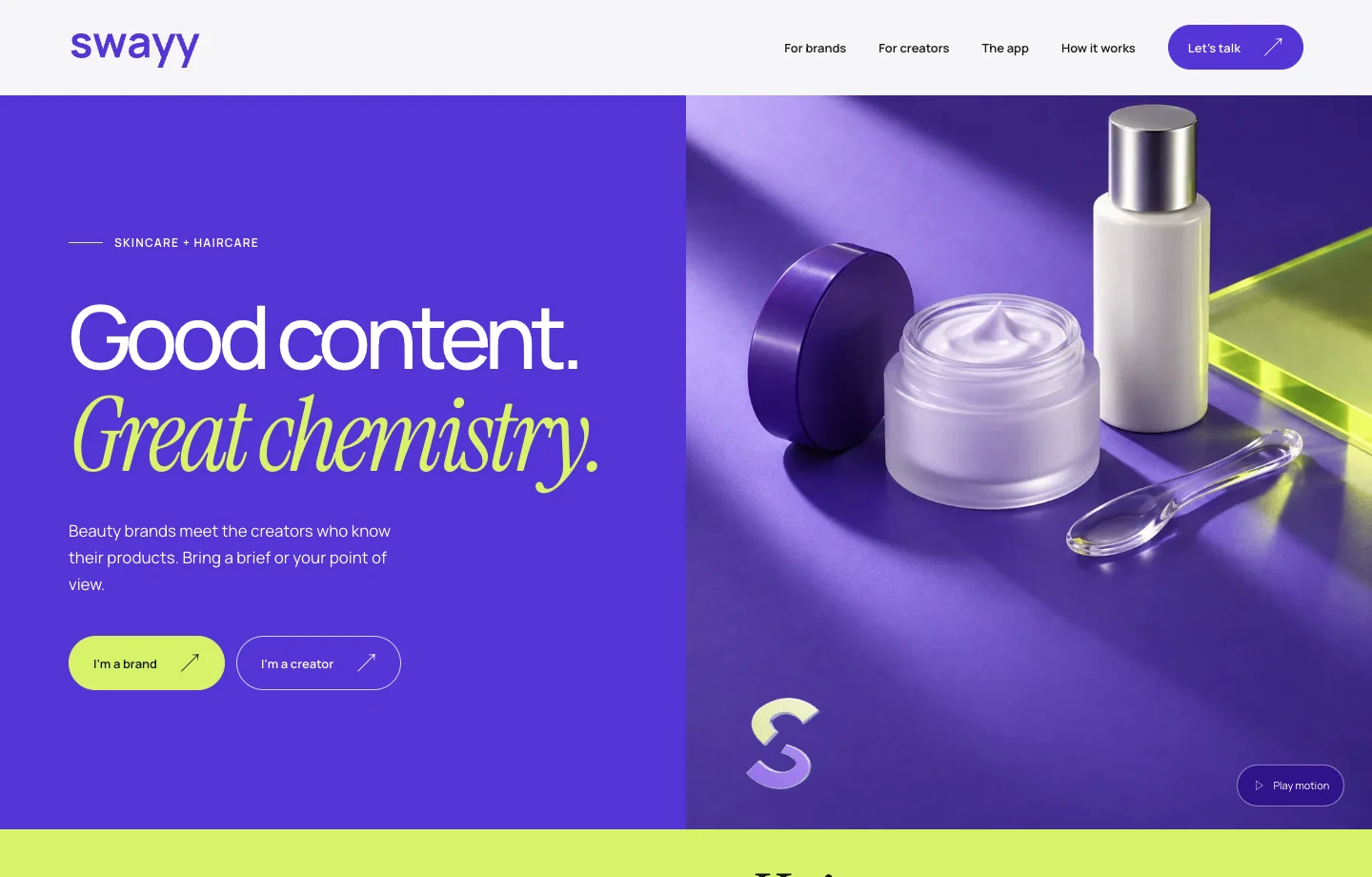
Frame Swayy as a beauty brand
A skincare still life gives the campaign its opening image. Violet unifies the frame, and the paired invitations lead brands and creators to their own workspace.
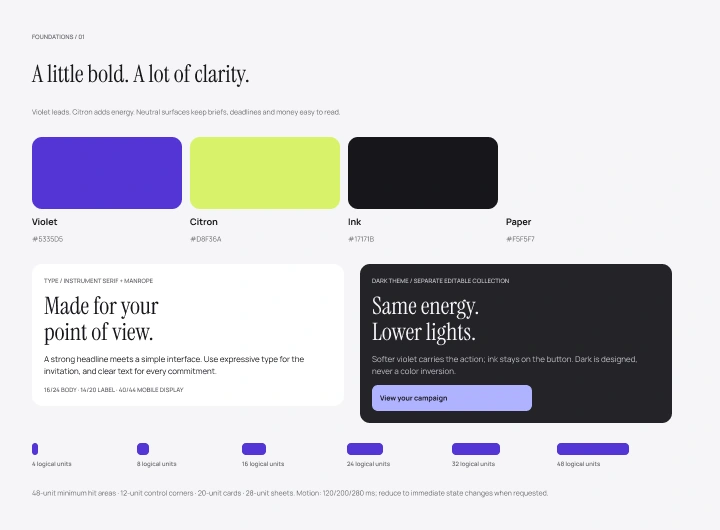
Set the visual language
I started with violet and citron, an editorial headline and a spacing scale that could serve both sides of the marketplace.
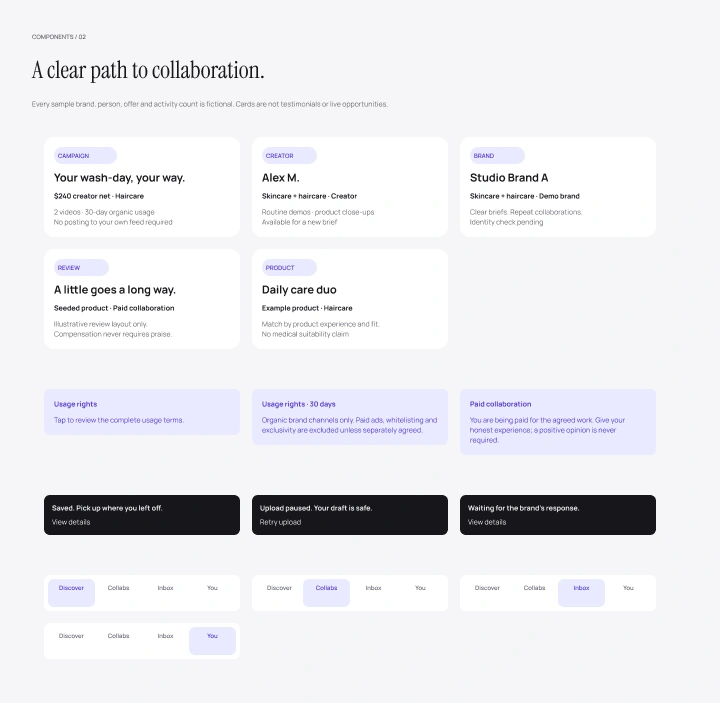
Decide what a card owes each person
The first component sheet sets out campaign cards, usage rights, status messages and separate navigation for creators and brands.
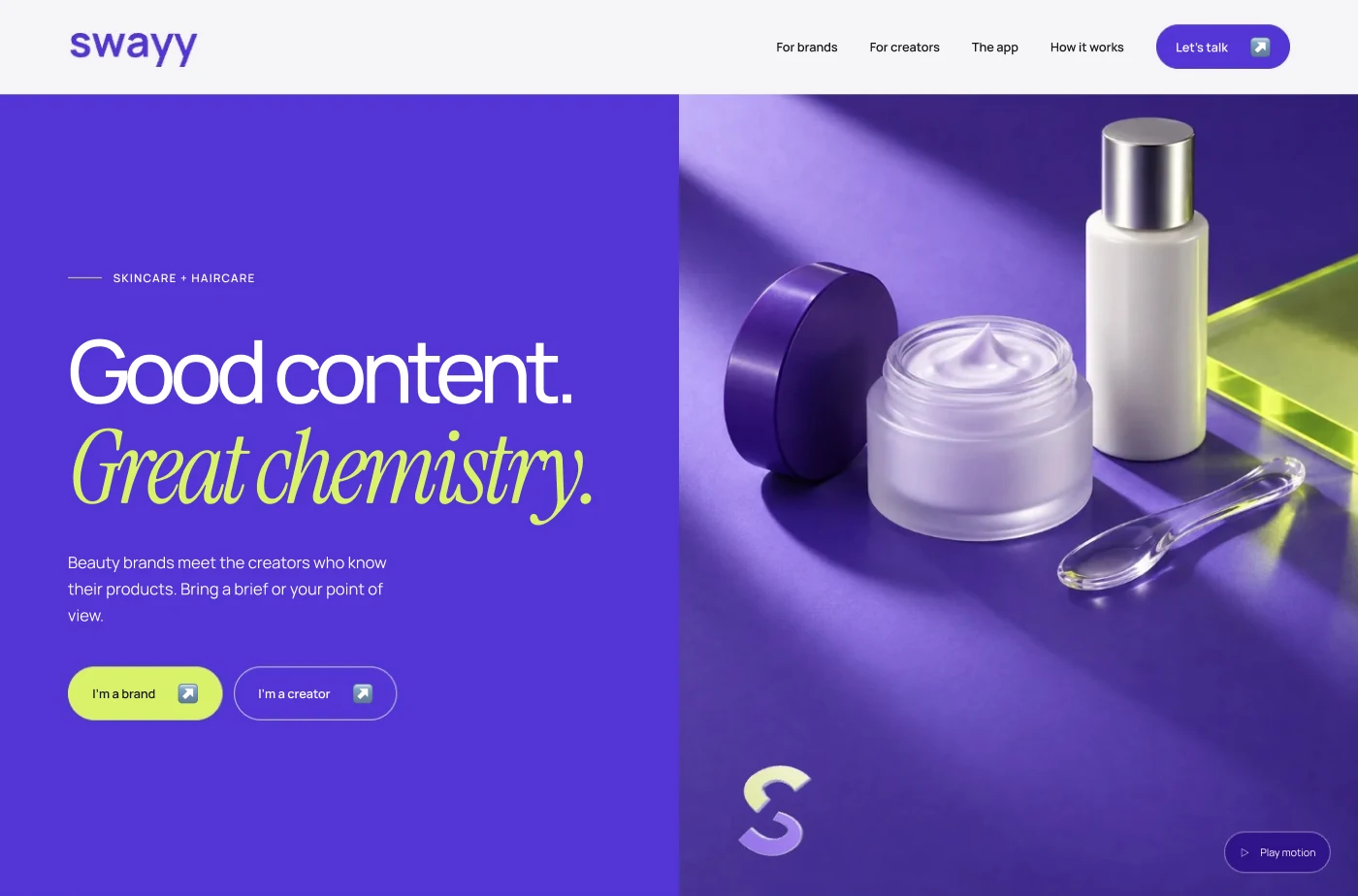
Give each audience a way in
The violet introduction sits beside the beauty still life. A brand can bring a brief and a creator can find a campaign from the same opening.
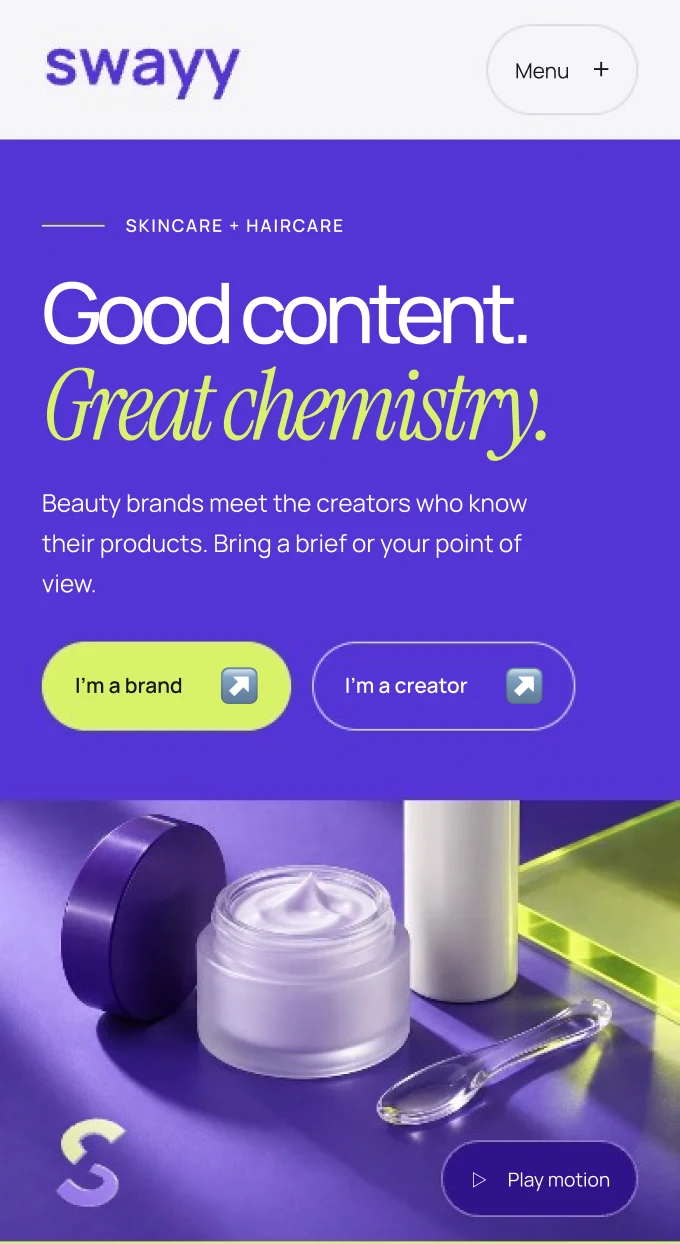
Recompose the campaign for a phone
I stacked the two-line headline, audience actions and product image so the invitation stays readable at phone size.
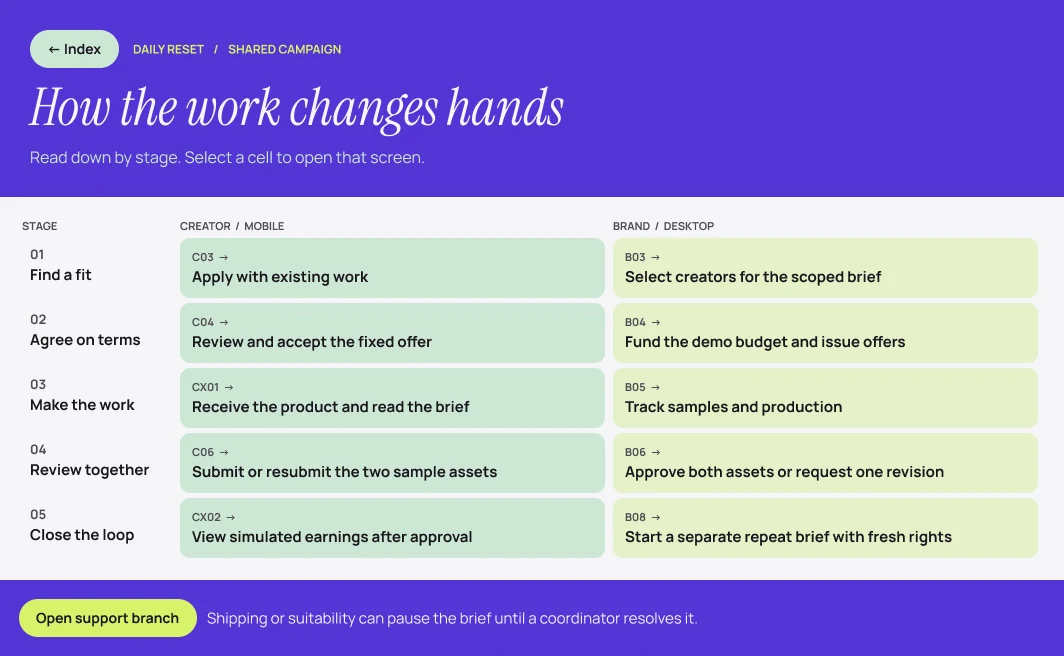
Map when the next person takes over
The two columns follow a brief through agreement, delivery, revision and reporting. Each row shows what the creator does and what the brand sees next.
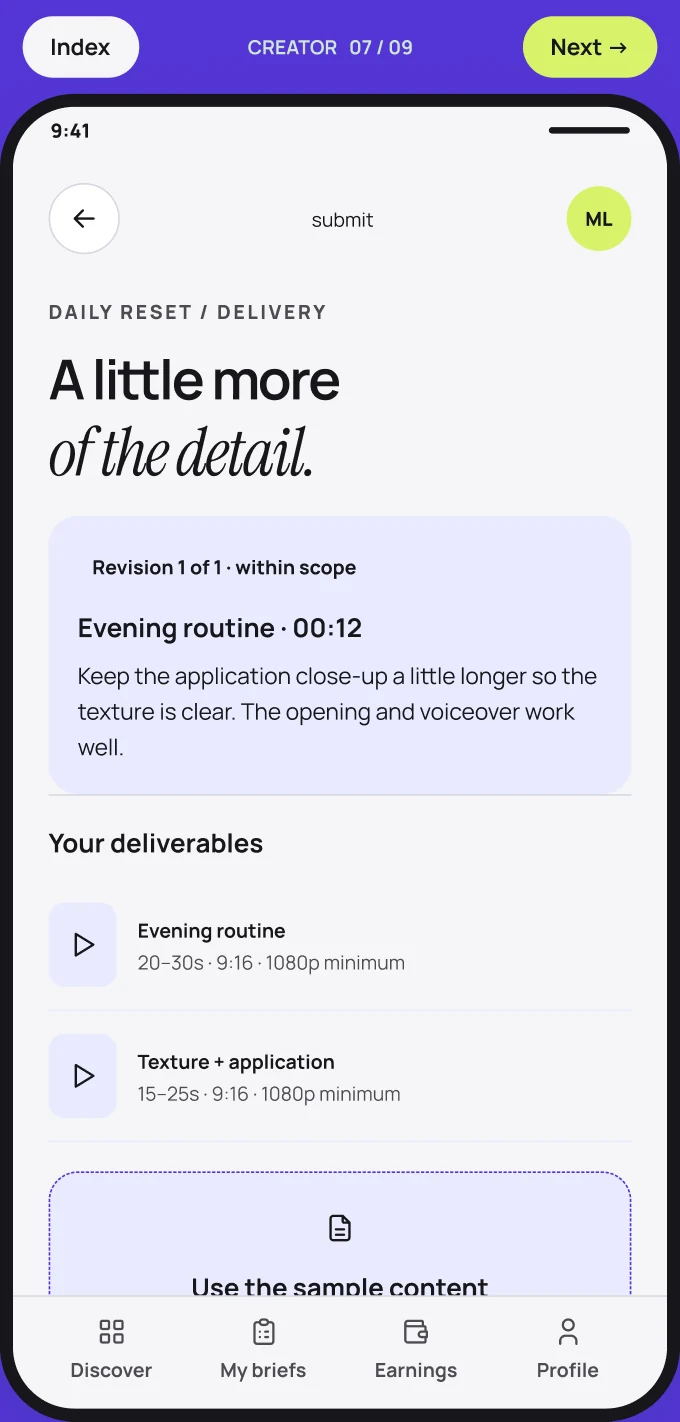
Keep the brief beside the upload
Creators can check the content request and deliverables while assembling a submission. The violet frame and persistent navigation connect this task to the rest of the creator app.
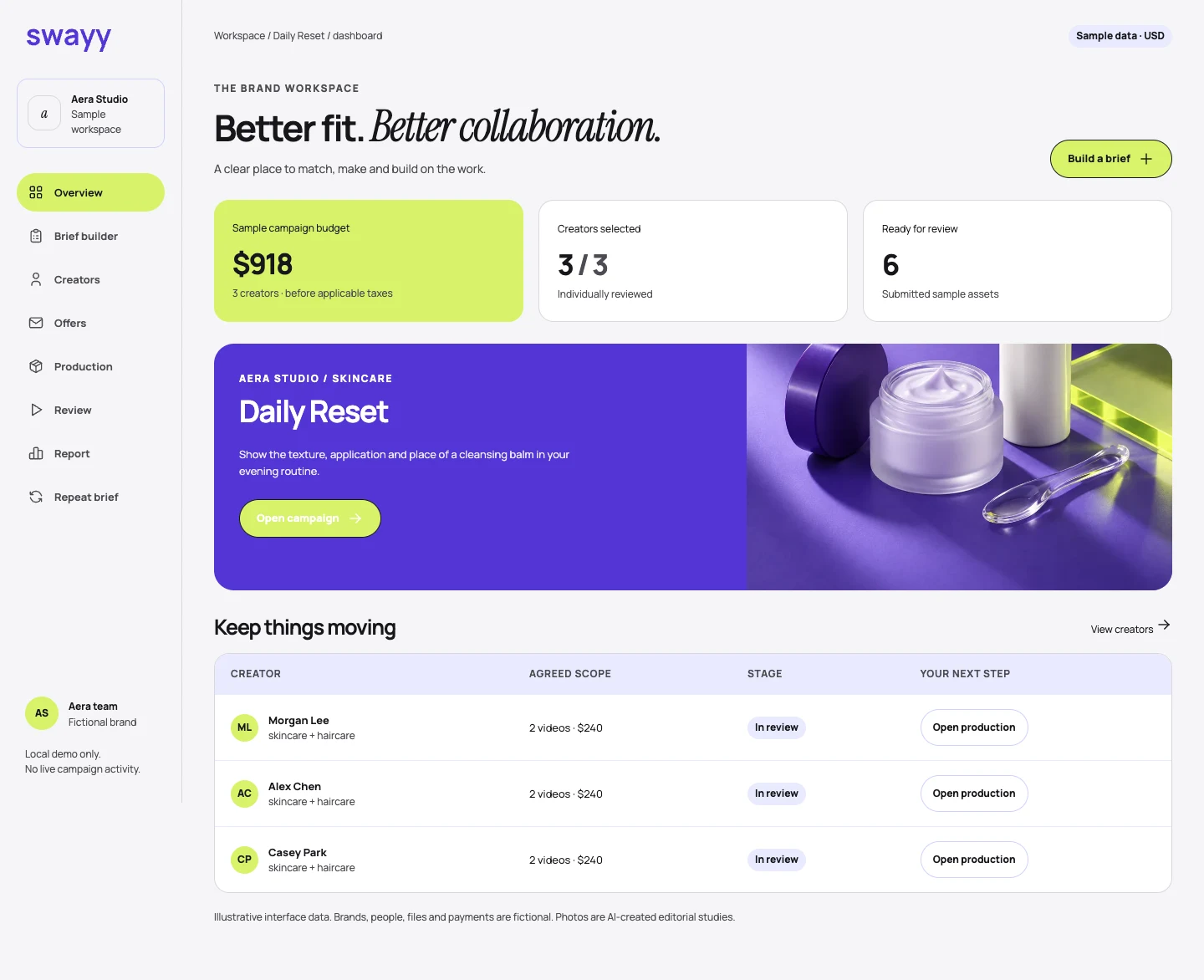
Put an active campaign in view
The brand dashboard opens with budget, campaigns and decisions to review. In the Daily Reset feature, the skincare image links the workspace back to the campaign.
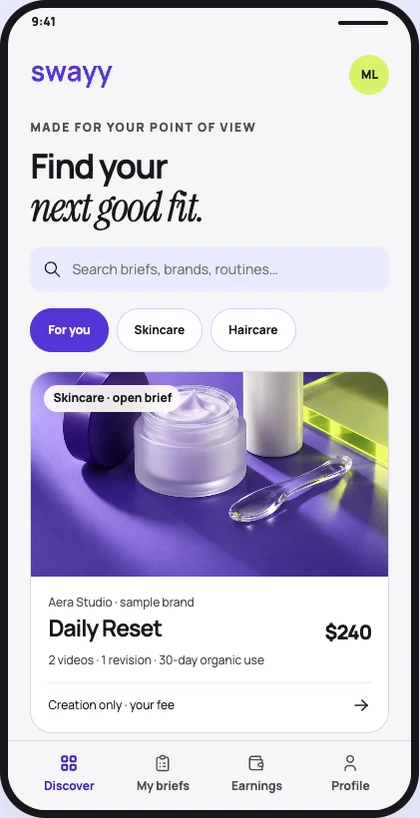
Browse opportunities on a phone
Skincare and haircare filters sit above the first campaign. A creator can see the fee and deliverables on the card before opening the brief.
The 19 editable prototype screens and the working web demo follow the same campaign from both sides. The responsive hero frames live in the original brand file.
Read the case study